

Does whatsapp notify screenshots when you secretly capture a conversation, save a funny meme, or archive a digital receipt? If you are staring at your screen in a panic, wondering if the other person just received an alert, you can relax immediately. No, WhatsApp does not notify users when you take a screenshot of a chat, profile picture, or status.
- The Core Features: Does WhatsApp Tell When You Screenshot?
- 1. Regular Text Messages and Group Chats
- 2. WhatsApp Status (Stories)
- 3. Profile Pictures (Display Pictures)
- 4. Disappearing Messages
- The “View Once” Exception: Screen Capture Blocked
- What Happens When You Screenshot a “View Once” Photo?
- Table: WhatsApp Screenshot Capabilities (Updated 2026)
- Why Doesn’t Meta Add Screenshot Alerts? (The Engineering Truth)
- Advanced Scenarios: GBWhatsApp, Web, and Legalities
- 1. What About GBWhatsApp and Modded Apps?
- 2. Does WhatsApp Web Notify Screenshots?
- 3. The Legal and Ethical Implications
- Parental Monitoring: How to Ensure Child Safety
- How to Protect Your Privacy in 2026
- Final Thoughts
Despite serving over 3 billion active users in 2026, the Meta-owned messaging giant has maintained a strict, silent policy regarding standard screen capturing. Whether you are using an iPhone, an Android device, or a desktop computer, your standard digital captures remain completely anonymous. The platform does not send a whatsapp screenshot alert to the sender.
However, modern digital privacy is never that simple. With the introduction of advanced privacy features like Disappearing Messages, Chat Lock, and highly restricted View Once media, the rules of engagement have completely shifted. In some scenarios, taking a screenshot is entirely blocked by the app’s software.
In this definitive guide, we will explore everything you need to know about screenshotting whatsapp conversations, analyze the legal implications of sharing private chats, uncover the truth about modded apps like GBWhatsApp, and show parents how to monitor digital safety effectively.
The Core Features: Does WhatsApp Tell When You Screenshot?
Different features within the app operate under different security protocols. If you are wondering does whatsapp show screenshots in group chat versus a private status, here is the exact breakdown of how the platform handles every scenario.
1. Regular Text Messages and Group Chats
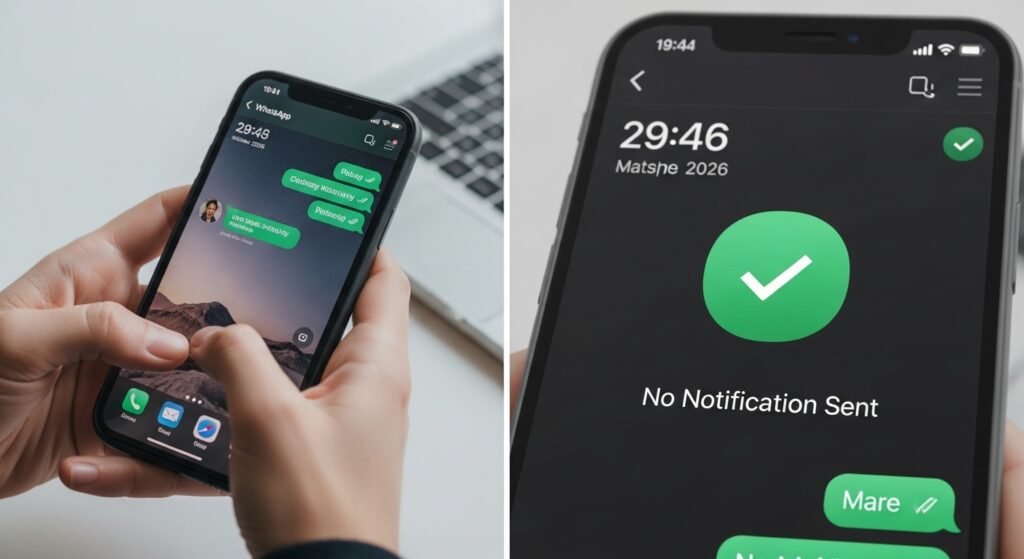
When it comes to standard text threads, you have total freedom. You can capture any message in a 1-on-1 conversation or a massive family group chat. The platform will not trigger a whatsapp screenshot notification.
2. WhatsApp Status (Stories)
Many users are terrified to capture a Status because they assume it functions like Snapchat. Does whatsapp notify when you screenshot a status? No. While the creator can see that you viewed the Status (if your read receipts are turned on), they will never know if you saved a copy to your device.
3. Profile Pictures (Display Pictures)
Does whatsapp notify screenshots of profile pictures? No, but there is a major technical restriction. On modern Android devices, the platform actively blocks you from taking a screenshot of someone’s profile picture. The screen will simply go black or display an error message. However, your failed attempt is kept secret; the owner is not alerted.
4. Disappearing Messages
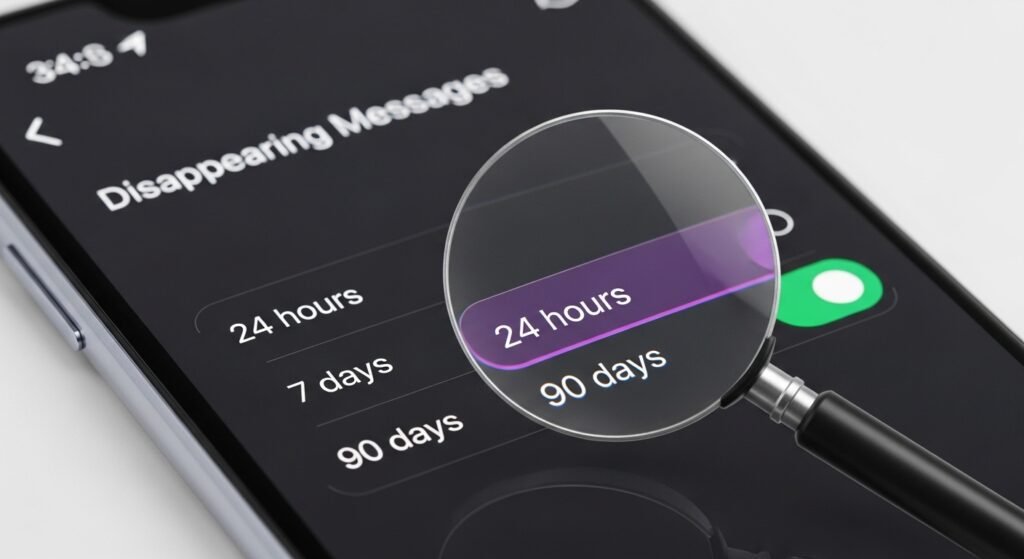
Users often rely on messages that automatically delete after 24 hours, 7 days, or 90 days for sensitive conversations. Does whatsapp notify if I screenshot disappearing messages? Surprisingly, no. The recipient can capture a disappearing message right before the timer runs out, and the sender will never be informed.
The “View Once” Exception: Screen Capture Blocked
Introduced to combat the exact problem of unwanted archiving, the View Once feature (represented by the 1 icon) is the strictest security measure on the platform.
What Happens When You Screenshot a “View Once” Photo?
If you are asking, does whatsapp notify screenshots of view once, you need to understand Meta’s aggressive DRM (Digital Rights Management) policies. If you open a View Once photo and press your phone’s capture buttons, the app blocks the action entirely.
You will see a notification on your own screen stating: “Screen capture blocked for added privacy.” However, the sender is completely unaware of your attempt. They will only see an “Opened” receipt.
Table: WhatsApp Screenshot Capabilities (Updated 2026)
| App Feature | Can You Screenshot It? | Are They Notified? |
| Standard 1-on-1 Chat | Yes | No |
| Group Chat Messages | Yes | No |
| Status (Stories) | Yes | No |
| Disappearing Messages | Yes | No |
| Locked Chats | Yes | No |
| Profile Picture (Android) | No (Software Blocked) | No |
| View Once Media | No (Software Blocked) | No |
Why Doesn’t Meta Add Screenshot Alerts? (The Engineering Truth)
Many users wonder why apps like Snapchat use a 10-second notification window, while WhatsApp refuses to implement one. The answer lies in the app’s fundamental architecture.
WhatsApp uses End-to-End Encryption (E2EE). This means the platform’s servers only deliver the data; they do not read it. For Meta to implement a reliable whatsapp screenshot alert, they would need to build invasive tracking software into the app’s user interface that constantly monitors your phone’s operating system (iOS or Android). Meta has publicly stated that prioritizing seamless, private communication is more important than monitoring device-level UI actions, which can often trigger false positives.
Advanced Scenarios: GBWhatsApp, Web, and Legalities
To truly master your digital footprint, you must understand the edge cases that standard tech blogs ignore.
1. What About GBWhatsApp and Modded Apps?
A massive sub-community uses unauthorized, modded versions of the app, such as GBWhatsApp or WhatsApp Plus. Users often wonder if these modded versions have special tools to detect screenshots.
The definitive answer is no. Even if someone is using GBWhatsApp, they cannot detect if you take a screenshot of their chat using the official app. However, using these modded apps is highly discouraged; they violate Meta’s Terms of Service and frequently result in permanent account bans.
2. Does WhatsApp Web Notify Screenshots?
For users on a PC or Mac, the rules are different. Does whatsapp web notify screenshots? No. Desktop operating systems use native clipping tools (like the Windows Snipping Tool) that the web browser cannot detect. Furthermore, the software blocks applied to Profile Pictures on mobile devices do not currently work on the desktop web version, creating a significant privacy loophole.
3. The Legal and Ethical Implications
Just because you can take a screenshot silently doesn’t mean you should.
Legal Warning:“Depending on your local jurisdiction and privacy laws, capturing and publicly distributing private, end-to-end encrypted conversations without consent can result in civil lawsuits regarding breach of privacy or copyright infringement.” — Cyber Law Expert Case Study, 2025.
Before you capture and share a sensitive conversation thread, consider the ethical implications of breaking someone’s digital trust.
Parental Monitoring: How to Ensure Child Safety
Many searches for “can someone see if I screenshot their whatsapp messages” originate from concerned parents trying to protect their children from cyberbullying or online predators. Since the app does not notify parents of suspicious activity, how do modern parents monitor device usage?
Screen Mirroring and Linked Devices
Instead of relying on screenshots, tech-savvy parents in 2026 utilize more reliable methods:
- WhatsApp Web Linking: Parents can use the “Linked Devices” feature to sync their child’s account to a family computer. This allows parents to read chats in real-time without needing to take stealthy screenshots on the child’s actual phone.
- Screen Mirroring Apps: Applications like AirDroid Parental Control allow parents to mirror the child’s screen directly to their own device. Does whatsapp notify screen recording or mirroring through these apps? No. The platform cannot differentiate between an authorized parental control app and standard background processes.
How to Protect Your Privacy in 2026
If you want to ensure your data remains secure, you must be proactive. Since the app will not warn you if someone is saving your photos, follow these expert security steps:
- Beware the Analogue Loophole: Never forget the golden rule of digital privacy. Even if you send a View Once image that blocks screenshots, the recipient can easily use a second phone to take a physical picture of their screen. Never send highly sensitive images online.
- Set Up Your 6-Digit PIN: Go to settings and enable Two-Step Verification. This prevents malicious actors from hijacking your phone number and downloading your export chat history.
- Audit Your Profile Privacy: Navigate to Settings > Privacy > Profile Photo and change it to “My Contacts Except…” to hide your digital identity from strangers.
Final Thoughts
Ultimately, the anxiety-inducing question of does whatsapp notify screenshots ends with a definitive No. You can navigate the platform knowing your digital screen captures are private.
However, remember that the digital landscape is a two-way street. Your chats, voice notes, and images can be captured just as easily by others. By utilizing features like View Once, turning on Disappearing Messages, and maintaining a healthy skepticism about what you share, you can communicate safely and securely in 2026 and beyond.
Go to Sac Biz News for more quality, informative content.